Markdown, without the clutter.
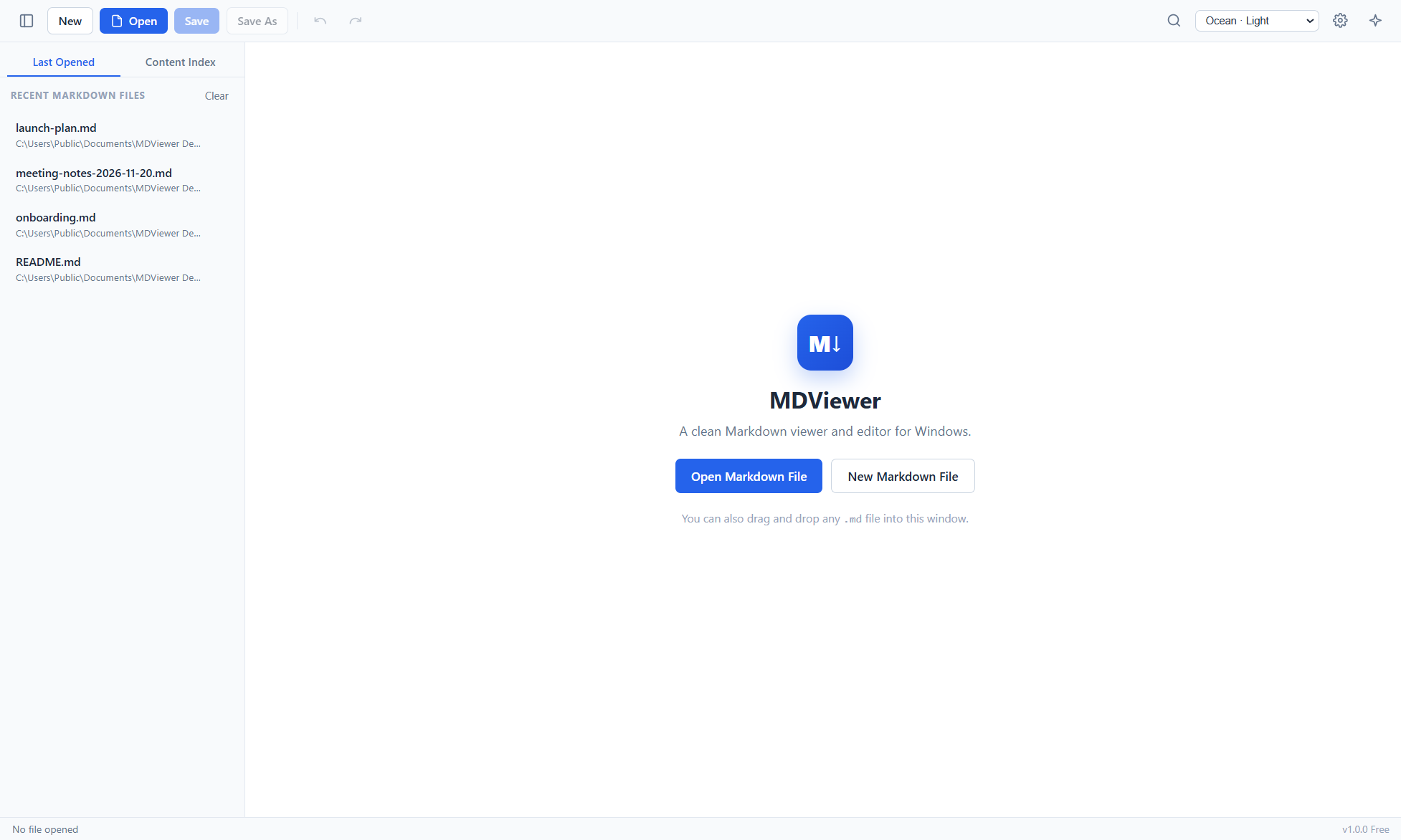
Double-click a .md file and read it. Switch to edit when you need to.
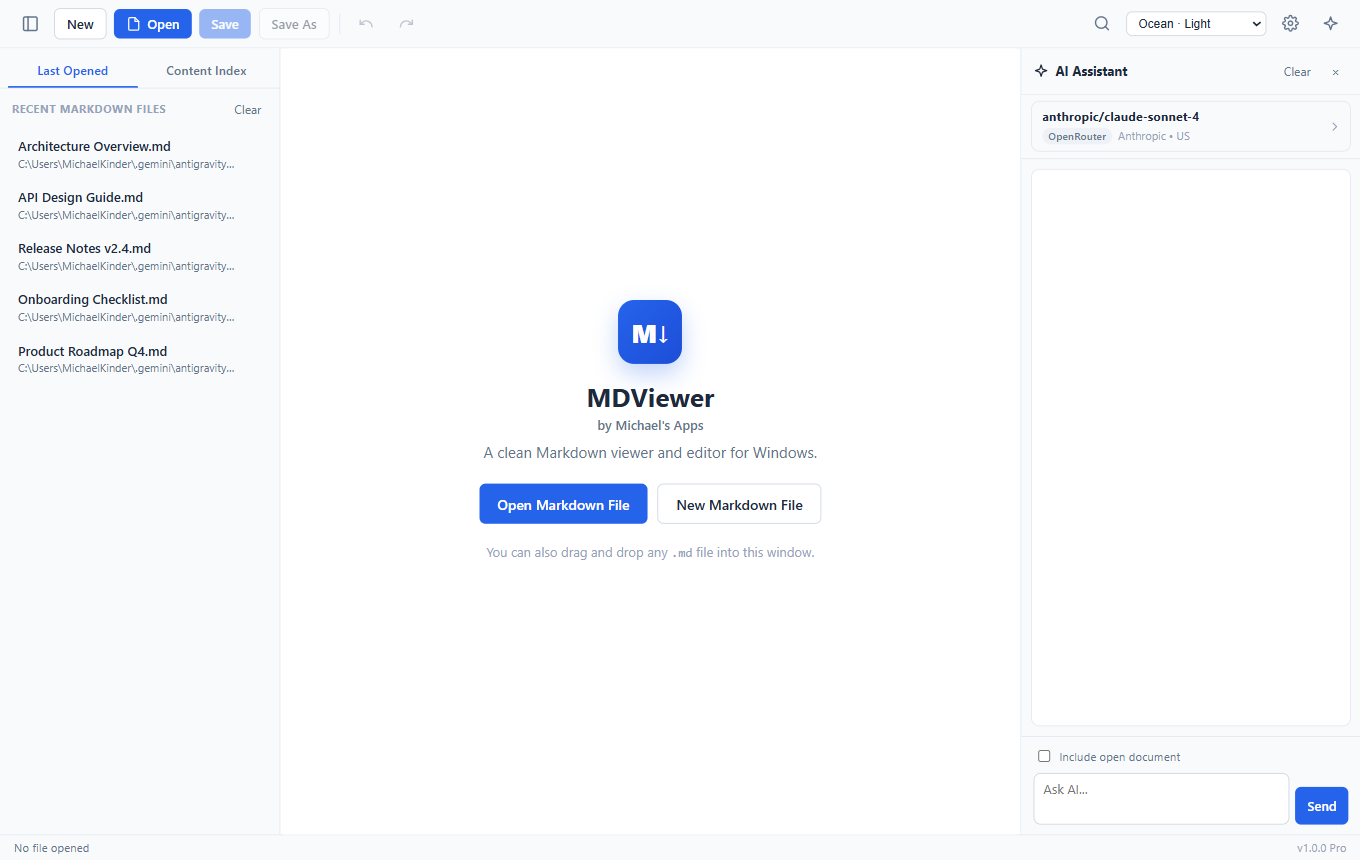
A quick tour
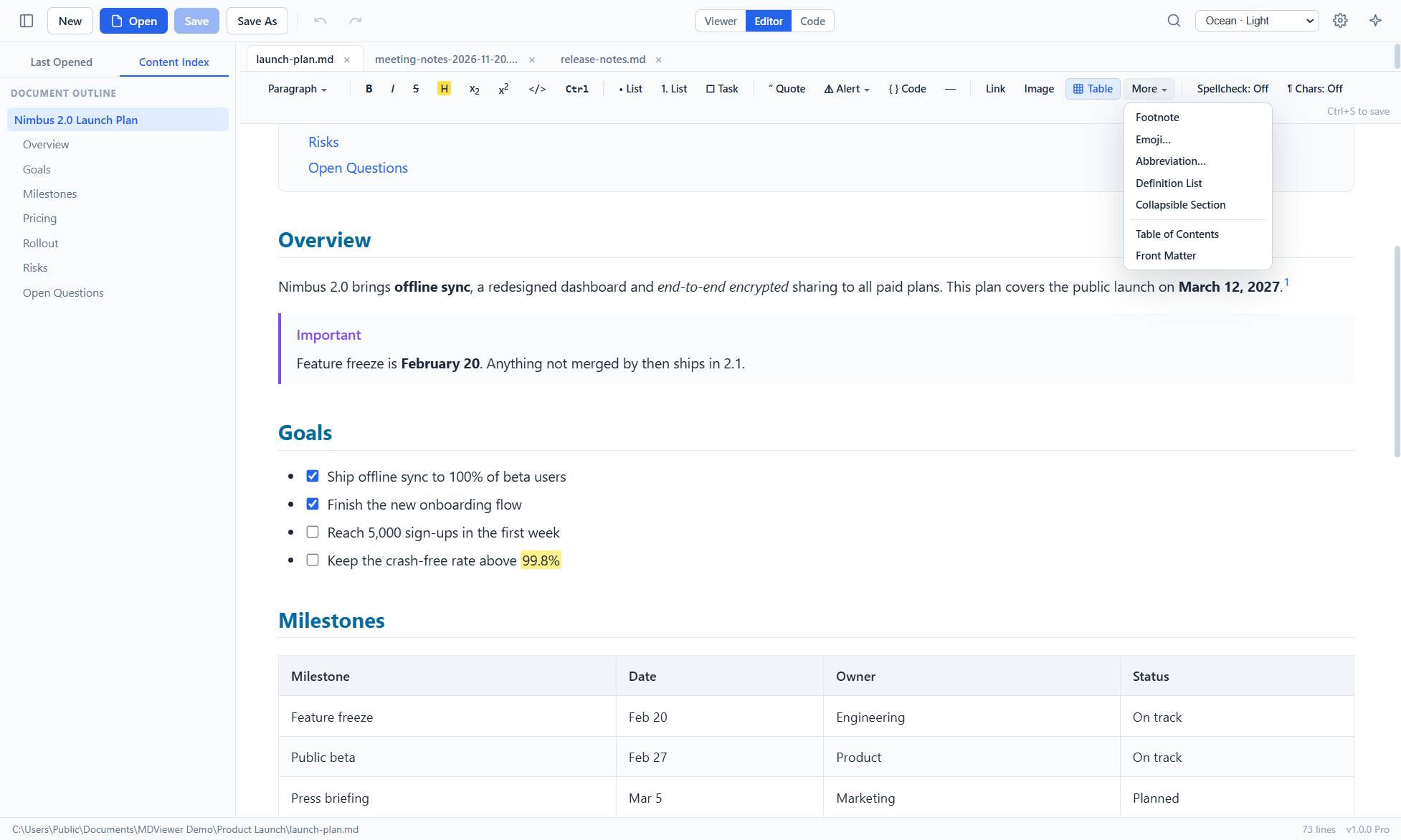 Requires Pro
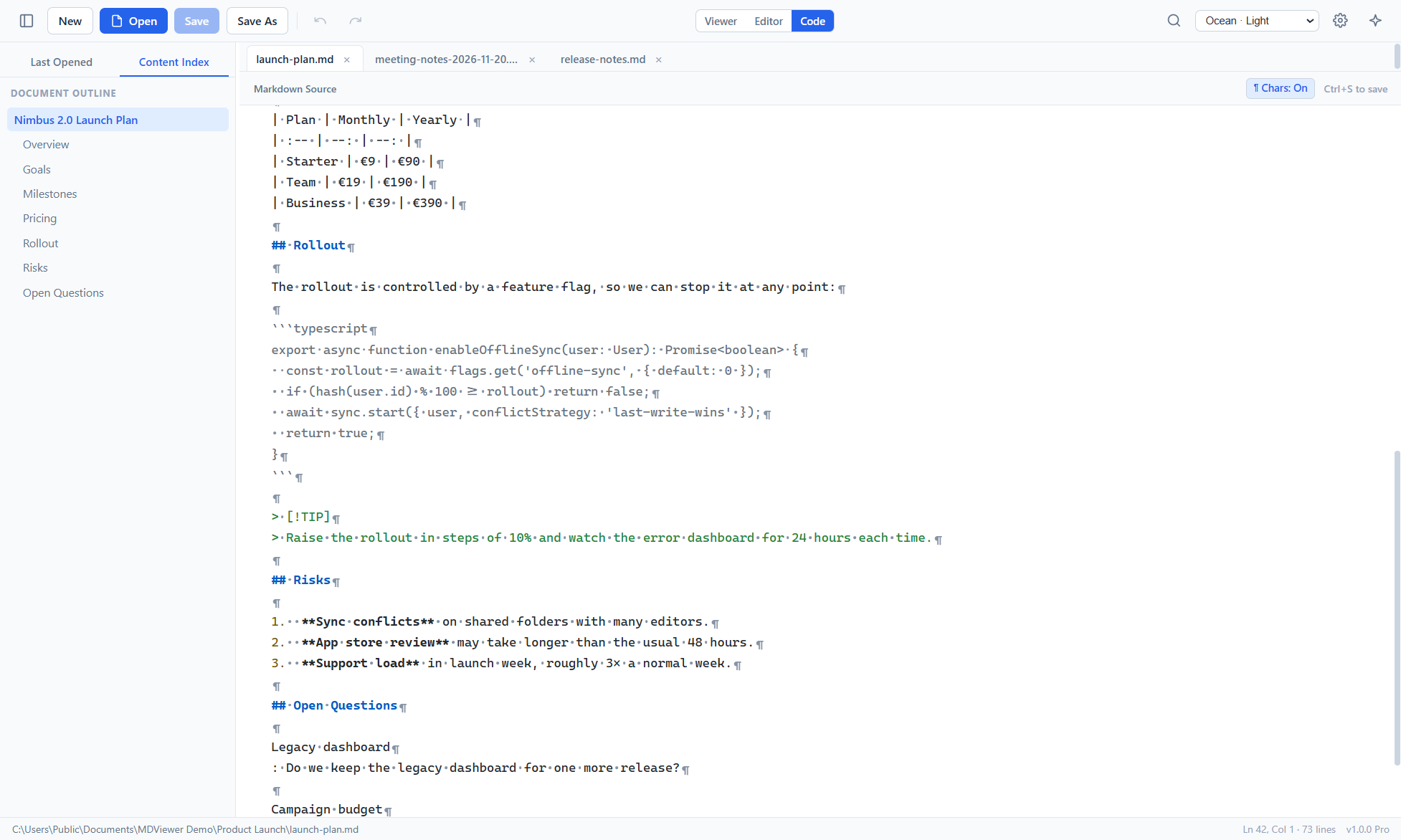 Requires Pro
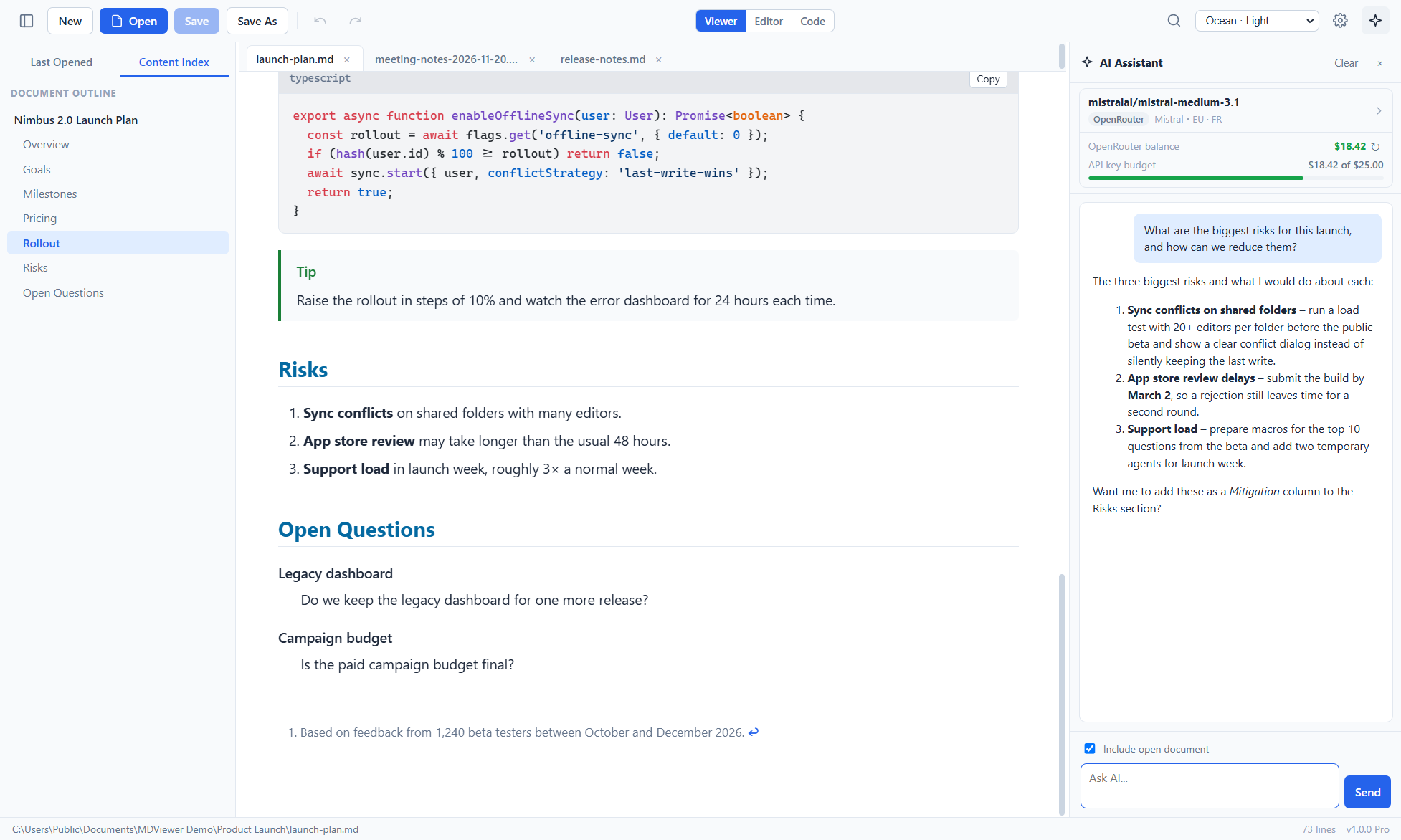 Requires Pro · Own API key
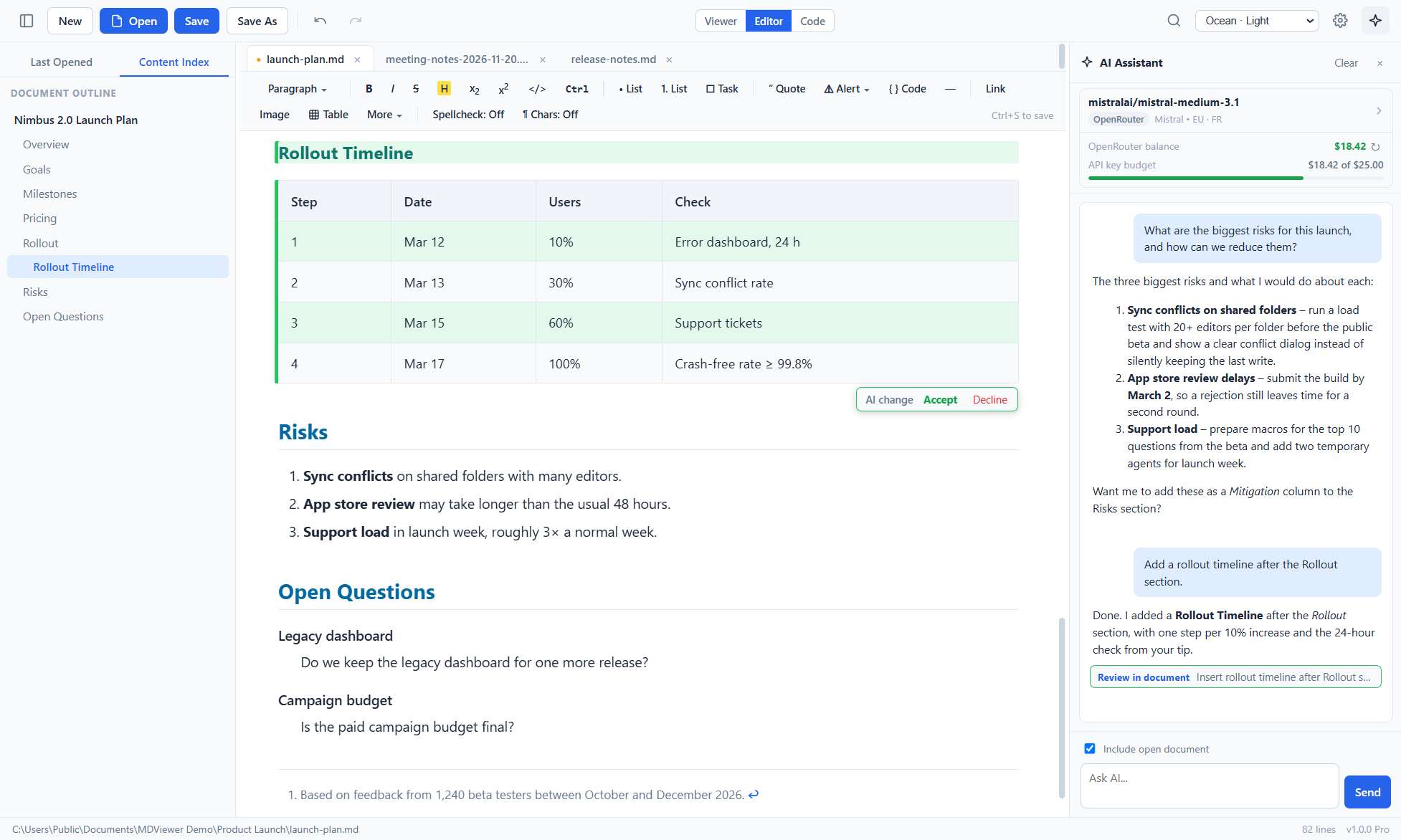 Requires Pro · Own API key
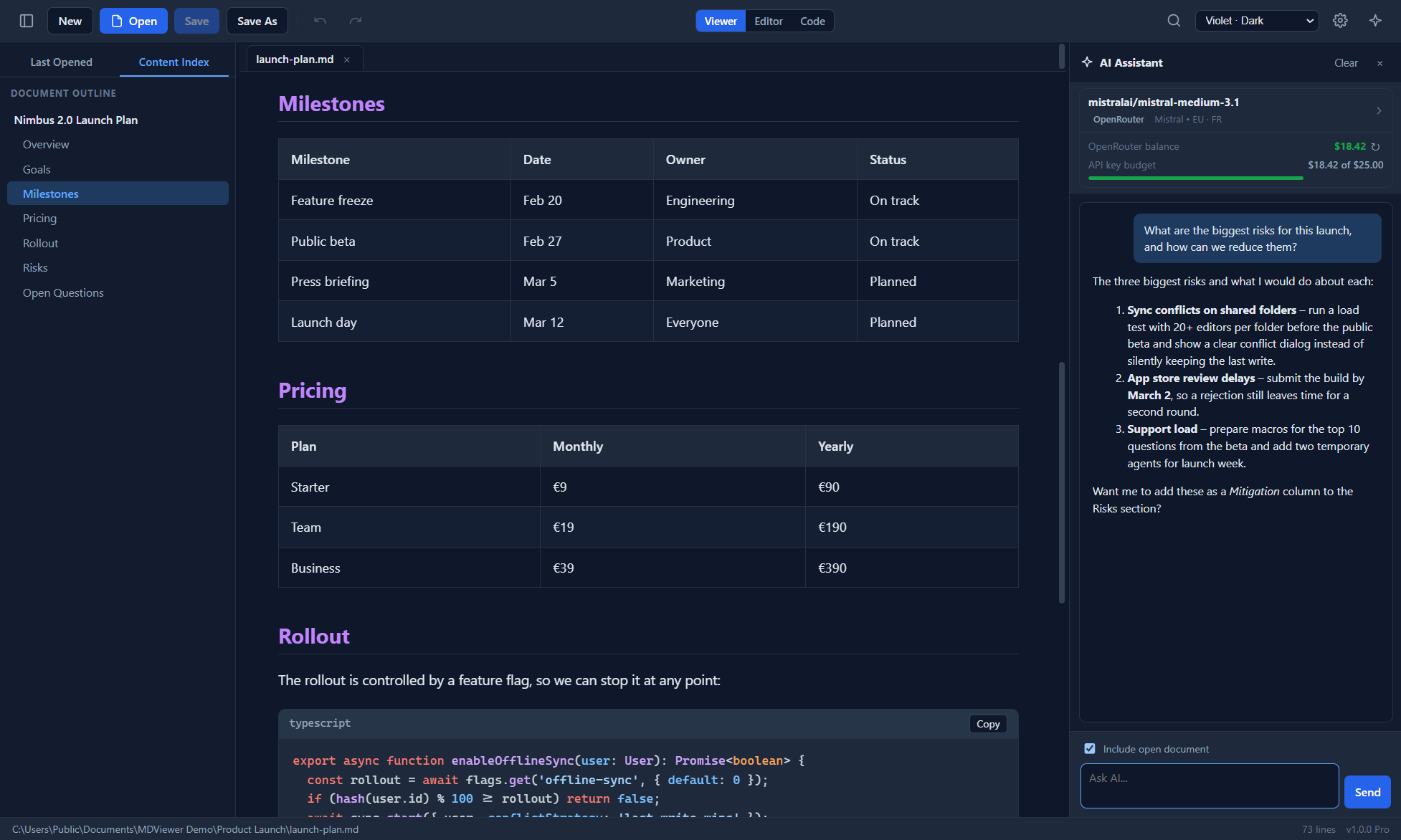
Pro: edit it, or let the AI do it
Both are part of the one-time €9.95 upgrade.
Type into the page
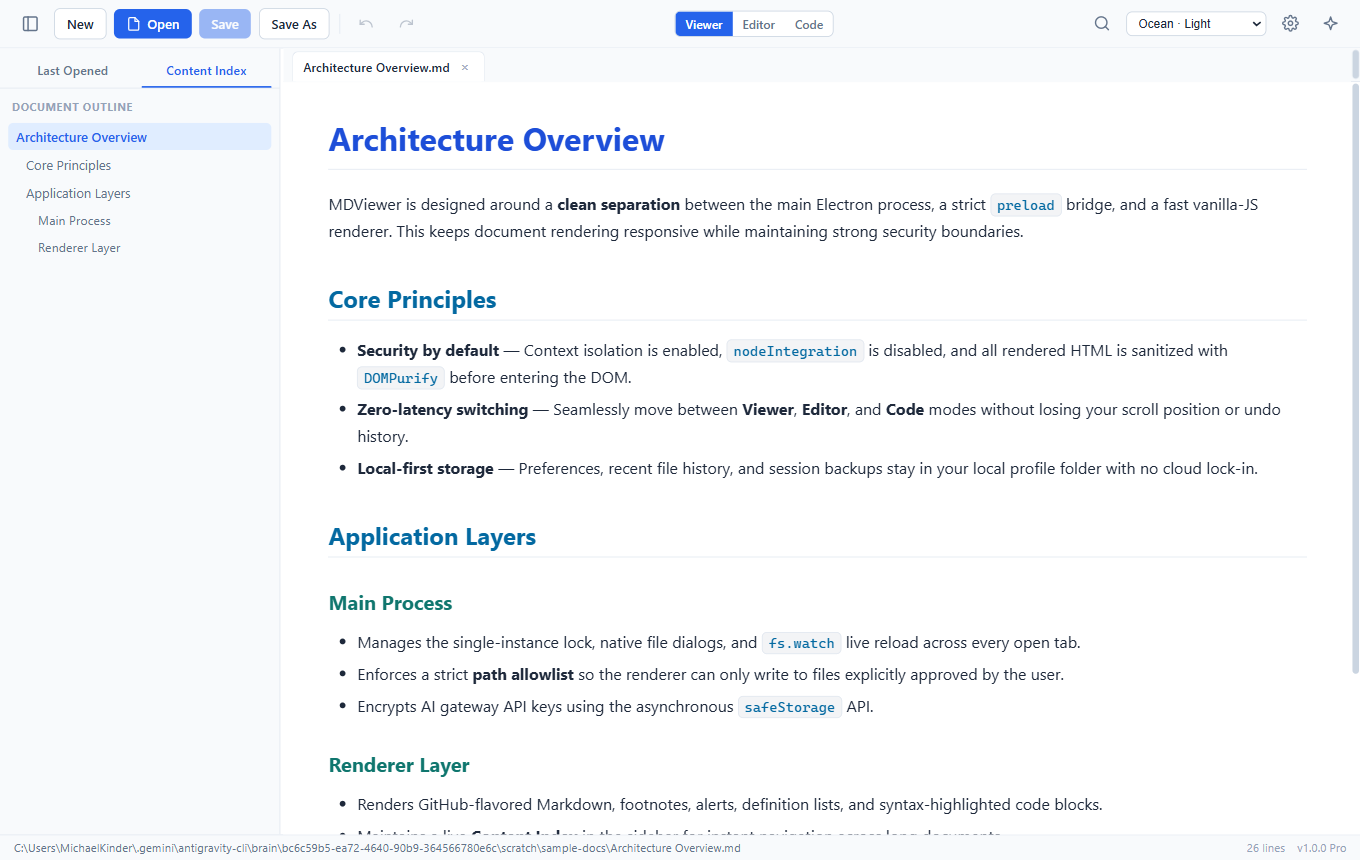
No split view and no syntax to remember. Click into the document and write. The toolbar handles headings, lists, tables, alerts and links, and saving writes clean Markdown.
Try it: the page on the right is editable.
Weekly notes
Shipped the offline sync beta to 40 testers. Feedback is mostly positive.
- Fix the conflict dialog
- Draft the release notes
Ask the AI, keep the final say
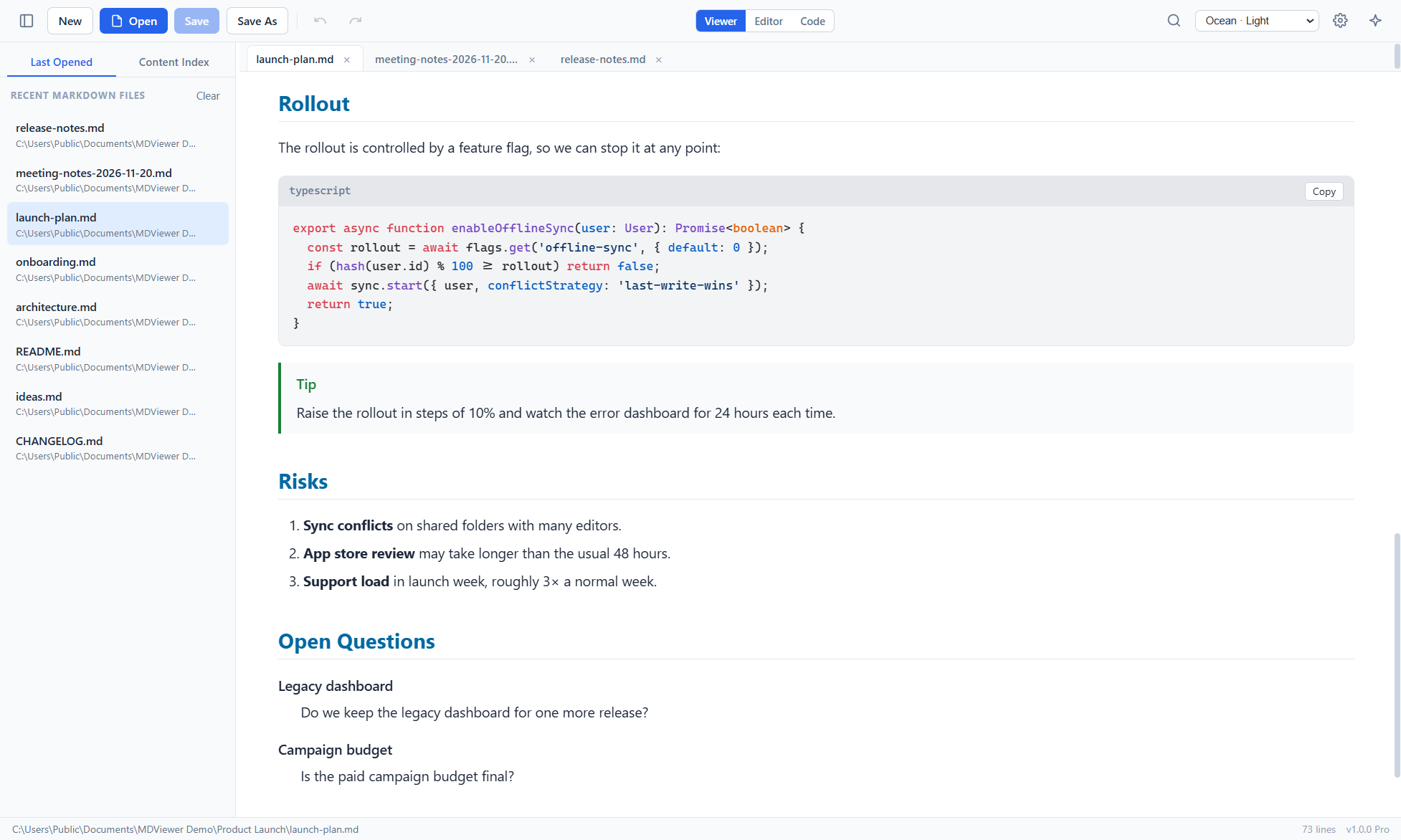
The assistant reads the open document and writes changes straight into it. Changed blocks turn green, and you accept or decline them. Decline puts your text back exactly.
It uses your own OpenRouter or Opper API key, with the model you pick and, if you like, EU-only providers.
Rollout
We raise the rollout in steps and watch the error dashboard after each one.
| Step | Date | Users |
|---|---|---|
| 1 | Mar 12 | 10% |
| 2 | Mar 13 | 30% |
| 3 | Mar 15 | 60% |
| 4 | Mar 17 | 100% |
Free to read. Pro to write.
Free
€0
Read any Markdown file in tabs, with a content index, find, live reload, recent files, light and dark themes. Set it as your default .md app.
Pro
€9.95 one-time
Everything in Free, plus Editor and Code modes, new files, saving, and the AI assistant.
Buy ProCheckout and invoicing are handled by the platform Creem. Your license key is emailed right after payment.
AI with your own key
The assistant uses your own API key from OpenRouter (the largest model choice) or Opper (an EU company, under the GDPR).

Made by Michael, not a company
Hi, I'm Michael. I wanted a Markdown app that simply opens a file and shows it, so I built one. MDViewer is made by me alone: no investors, no team, no subscription.
FAQ
Free version
Is the free version really free?
Yes. No time limit, no ads, no account.
What can I do in the free version?
Open and read any Markdown file in tabs, use the Content Index, search with Find, auto-reload on disk changes, switch between light, dark and document themes, and set MDViewer as your default .md app.
Buying Pro
What can I do with the Pro version?
Everything in Free, plus creating new files, saving changes, editing directly on the rendered page in Editor mode or raw Markdown in Code mode, and using the AI Assistant (with your own OpenRouter or Opper API key) to ask questions or review AI edits block by block.
How do I activate Pro?
Open Settings → License, paste the key from your email and click Activate. Activation needs an internet connection; after that MDViewer checks in at least every 30 days. Saving always works, even offline.
I got a new computer.
Click Deactivate on this PC in the old MDViewer, or use Manage devices if it's gone. Then activate on the new one.
I lost my key.
It's in your purchase email and in the Creem customer portal linked from that email.
AI Assistant
What does the AI see?
Your message and, if Include open document is ticked, the active document with your selection and cursor position. Other open tabs are never sent.
How does the AI API key work (OpenRouter or Opper)?
MDViewer Pro doesn't mark up AI usage or charge a subscription. Create an API key at OpenRouter (largest model choice) or Opper (an EU company under the GDPR) and paste it into the AI Assistant's Gateway settings. Your key is stored encrypted on your PC, and you only pay your chosen provider for what you use.